Owners see what you charge before they pick up the phone, and the listing that says so is the one that gets called. Five boxes, three checkboxes, and one optional minimum.
Every listing says plainly that the numbers come from you and the real price is whatever you agree with the owner when you see the job. Nothing on this site ranks or filters anybody by price.
A box left blank shows as "not listed", and most owners take that as a reason to call somebody else. If you do not charge a thing, check the box under it and your listing says so in plain words instead.
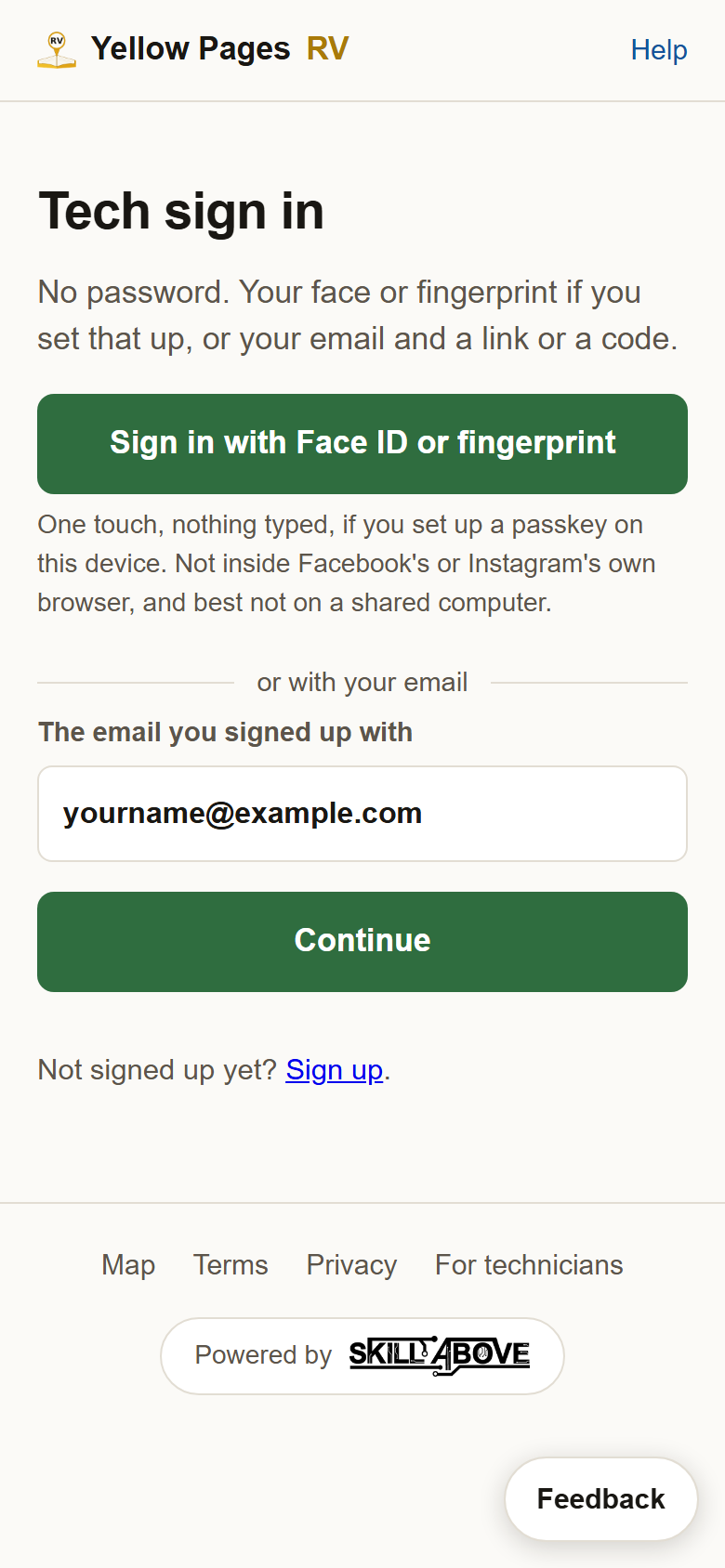
1Sign in and open your profile. Go to yellowpagesrv.com, press Sign in beside Help at the top of the map, then either the green Face ID or fingerprint button if you have set a passkey up, or type the email you signed up with and use the code or link that arrives. You land on your profile.
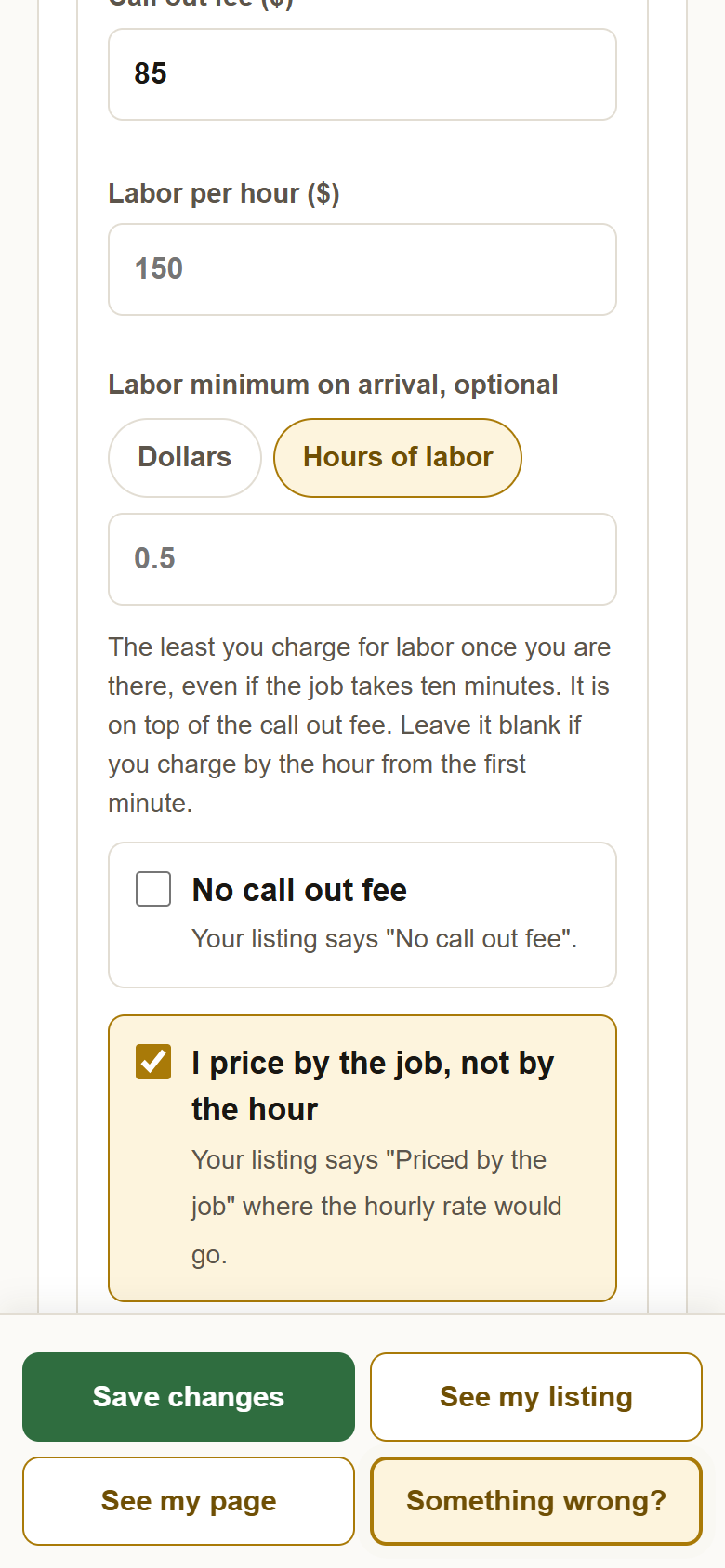
2Scroll to What you charge, and fill in the first two boxes. Call out fee is what you charge to come out at all. Labor per hour is your hourly rate once you are there. Dollars only, no cents needed. The example listing charges $85 to come out and $135 an hour.
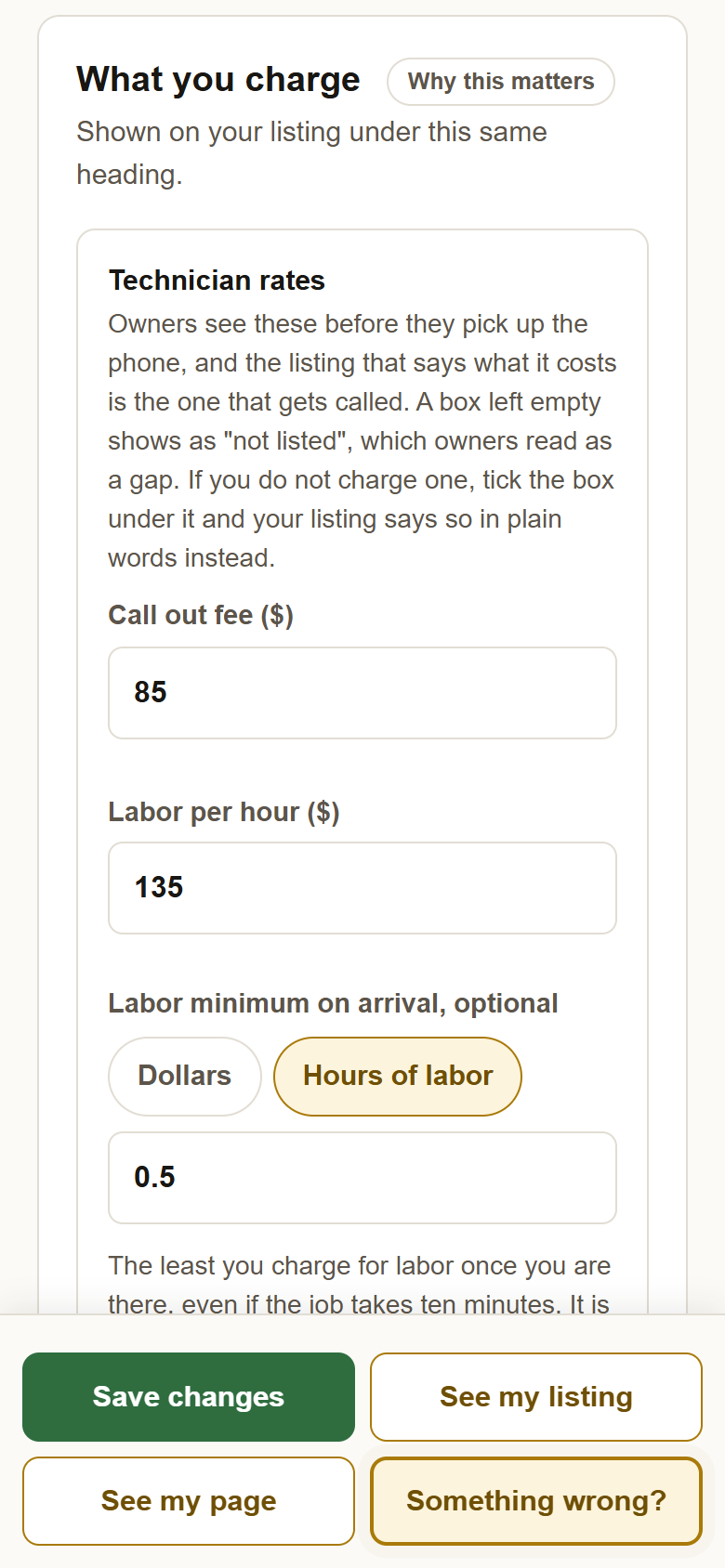
3Labor minimum on arrival, if you charge one. Plenty of technicians charge the trip fee plus a minimum for labor once they are there, half an hour say, even if the job takes ten minutes. This box is where to say so. Pick Dollars and type the amount, or pick Hours of labor and type the hours: 0.5 for half an hour, 1 for an hour, in quarter hours up to eight. It is on top of the call out fee. Leave it blank if you charge by the hour from the first minute.
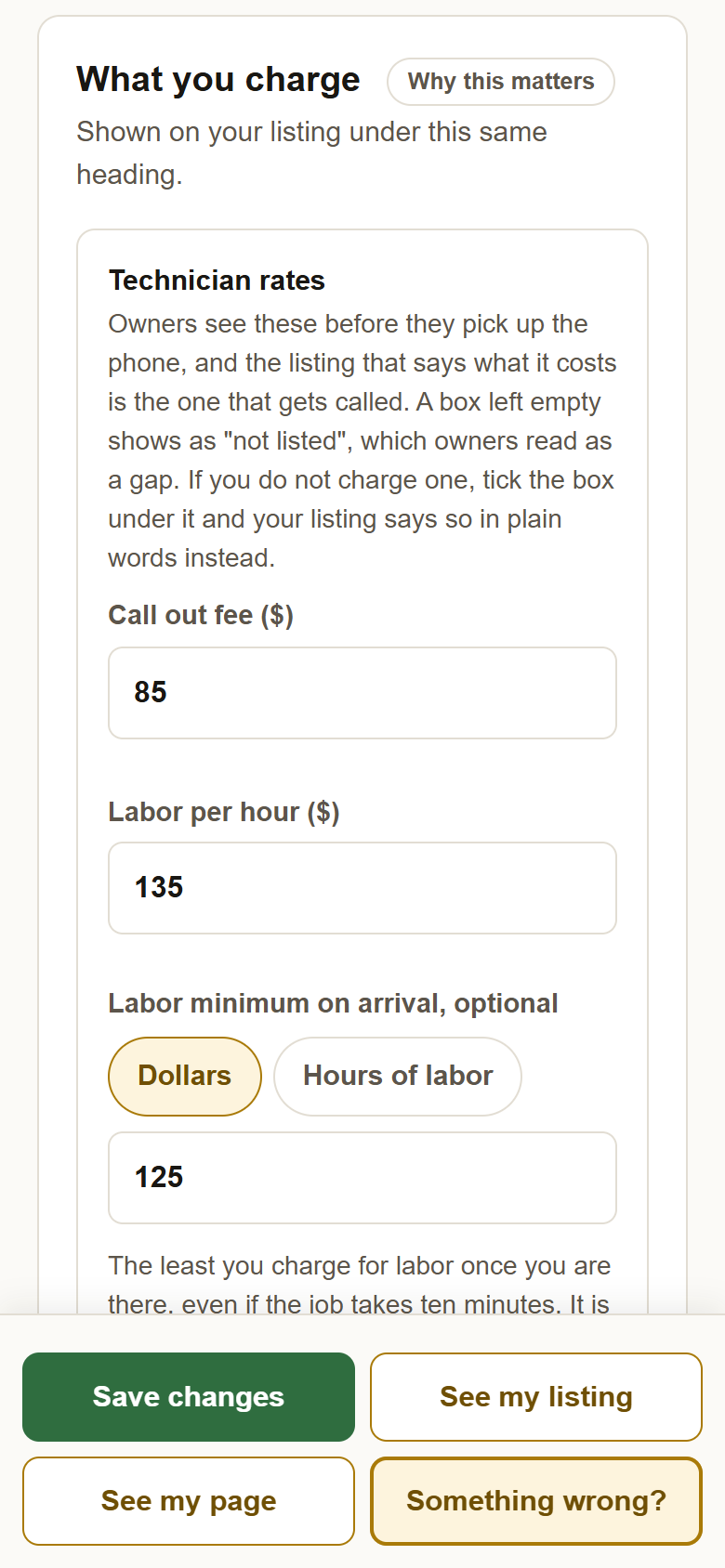
4The same box in hours. With Hours of labor picked, 0.5 shows on your listing as Half an hour ($68), the dollars calculated from your hourly rate, so an owner can compare it with a technician who typed a dollar figure. An hour reads "1 hour ($135)", an hour and a half "1.5 hours ($203)". If you give hours but no hourly rate, it reads "Half an hour of labor" with no figure.
5The three checkboxes. No call out fee: your listing says "No call out fee" instead of "not listed", and the call out box empties and grays out. I price by the job, not by the hour: your listing says "Priced by the job" where the hourly rate would go; the labor rate and the labor minimum both empty and gray out, since there is no hourly rate to have a minimum of. No mileage charge: your listing says "No mileage charge" and both mileage boxes empty and gray out. Each checkbox replaces a blank with words an owner can act on.
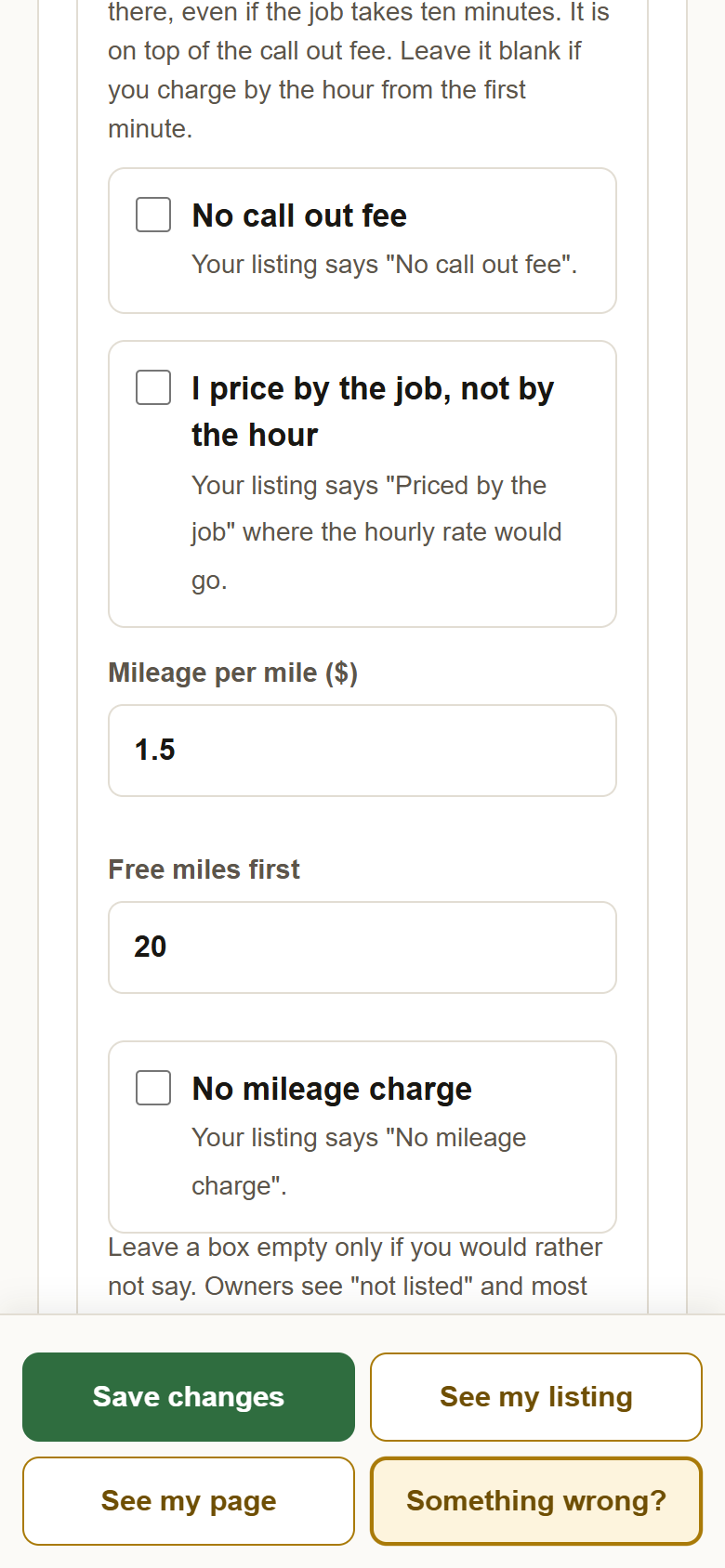
6What "priced by the job" does to the boxes. Checked, the labor rate and the labor minimum gray out and empty. One thing to know: unchecking it does not put your hourly rate back, so if you check it by mistake, type the rate in again before you save.
7Mileage and free miles work together. Mileage per mile is charged only past the Free miles first. $1.50 a mile past 20 free miles means the first twenty miles from your pin cost the owner nothing beyond the call out fee, and mile twenty-one onward is $1.50 each. Your listing reads "Mileage past 20 miles, $1.50 per mile", or plain "Mileage" if you give no free miles. The boundary key under your rates says it in words too: inside 20 miles, call out fee only; out to your travel limit, call out plus mileage.
8A shop that does not travel sees less. If your business type is a shop, the call out fee, the mileage boxes and their two checkboxes are not on the card at all, because the questions do not apply. Your listing prints no call out or mileage lines. A shop that also goes out to people keeps them.
9Inspectors: your inspection prices are a separate list on the same card. Under Inspection pricing, add a line for each inspection you sell, with the rig type, the price, a From checkbox for a starting price, and a note if you want one. Mileage above still applies to inspections. There is a whole guide to that list, Setting your inspection prices, further down the Help library.
10Press Save changes. It says "Saved. Your listing is updated." Your rates are on your listing and your page from that moment. Change them whenever you like; every save shows right away.
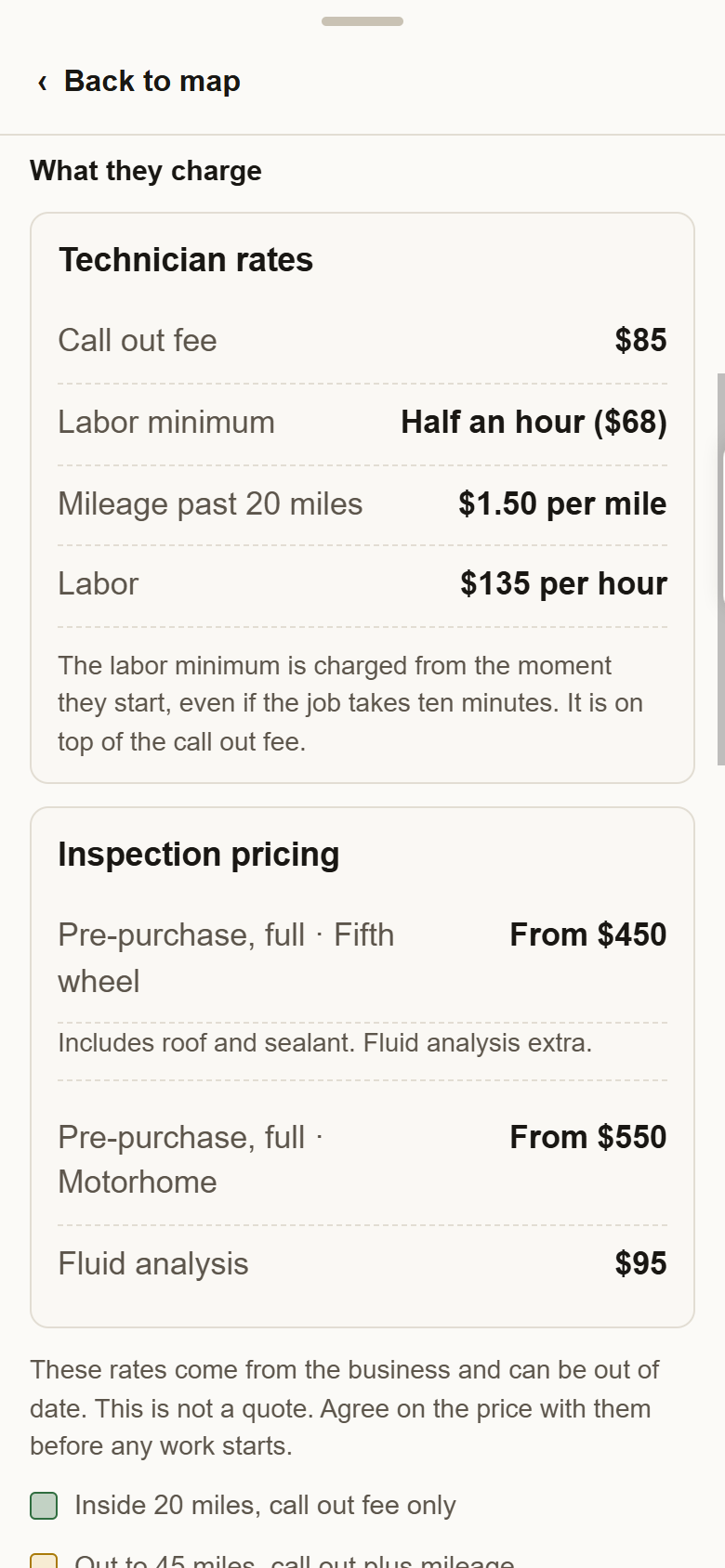
11This is what owners see on your listing. Under What they charge, a box headed Technician rates with one line per item: Call out fee, then the Labor minimum if you set one, then Mileage past your free miles, then Labor. Your inspection lines follow. When you set a minimum, a line under the box explains it: "The labor minimum is charged from the moment they start, even if the job takes ten minutes. It is on top of the call out fee." Then the note that these are your rates and not a quote, and the boundary key.
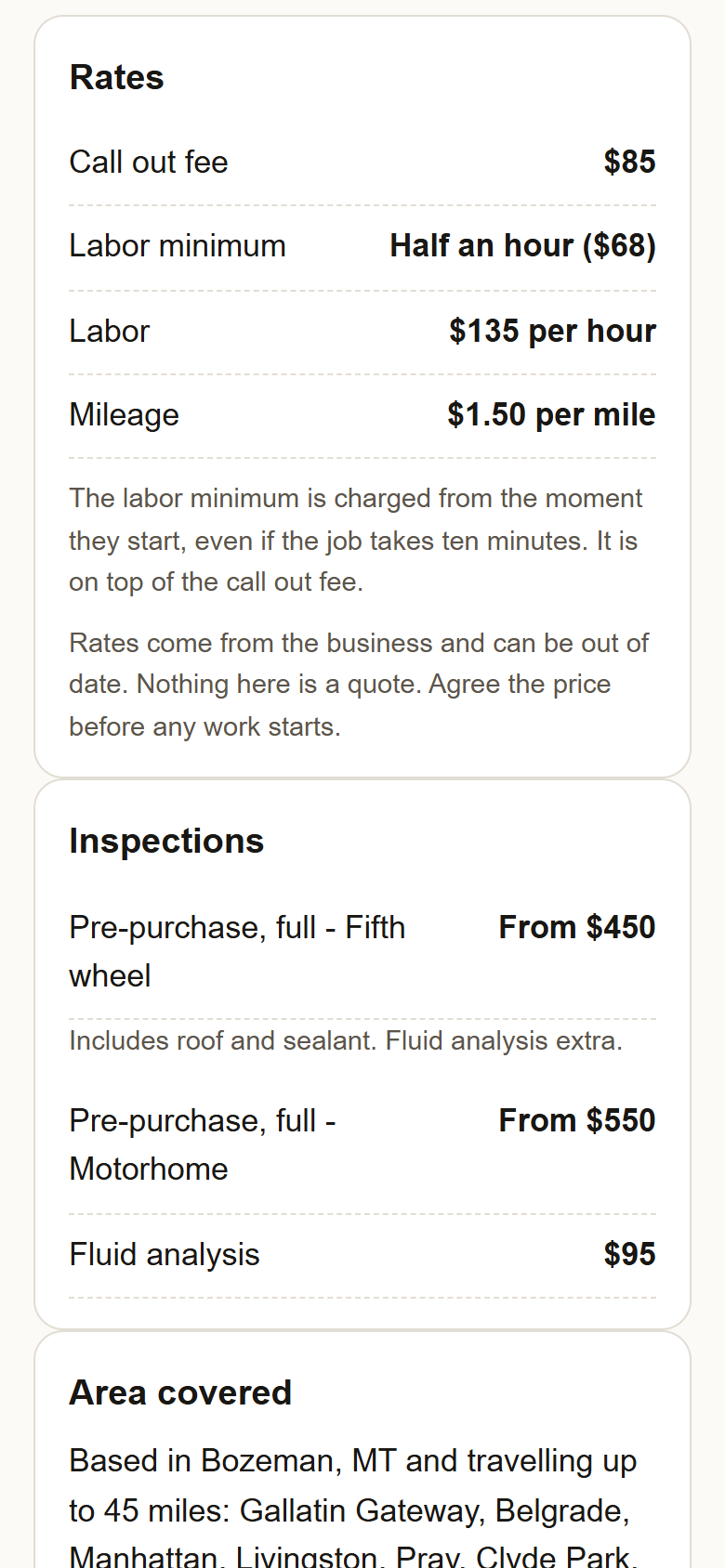
12And on your page. The four big facts at the top show where you are based, how far you travel, your call out fee and your labor rate. Further down, a Rates card lists the same lines, with the minimum's explanation under it when there is one, and an Inspections card below that.
?Not sure what to put? Put your real numbers. Owners are not comparing you on price; they are checking they can afford to make the call. A listing with rates gets called over one without, at almost any rate. If your prices change with the season or the job, your call out fee and your hourly rate are still worth stating, and the note on every listing says the rest is agreed with you.
 Yellow Pages